ChatGPT Free Ads: How to Remove Them in 2026
4 free methods — tested and ranked · US-only pilot · February 2026 launchI opened ChatGPT one morning in February and there was a box I had never seen before — sitting right below the AI’s response, with a small “Sponsored” label. It was not intrusive. It did not change the answer. But it was there, and it was new. OpenAI had officially launched ads for free users in the US on February 9, 2026, and my workflow changed that day.
If you are looking for how to remove ChatGPT free ads, this guide covers four methods that actually work. I have ranked them honestly — starting with the one that eliminates ads completely, and being clear about the ones that only reduce them.

First: Are You Actually Seeing ChatGPT Ads?
Before going through the removal methods, it is worth knowing that ChatGPT free ads are currently US-only. According to OpenAI’s Help Center, the test launched for logged-in adult users in the United States on the Free and Go tiers. If you are in the UK, Canada, Germany, France, Italy, or most other countries, you likely are not seeing ads yet and may not see this settings option at all.
Ads also do not appear in every conversation. OpenAI confirmed they are excluded from: conversations involving health, mental health, finance, or politics; sessions with users under 18; Temporary Chats; logged-out sessions; and image generation conversations.
What ChatGPT Ads Actually Are
ChatGPT ads appear as visually separate sponsored cards below the AI’s response — not inside the answer, not as pop-ups, and not as banners. They are clearly labelled with an “Ad” or “Sponsored” tag. According to OpenAI, ads are matched to your current conversation topic and do not influence what ChatGPT says. Advertisers do not receive your chat content.
The targeting works in layers. By default, with Personalized Ads turned on, ChatGPT can use your current conversation topic, your broader chat history, and any memories it has saved about you to select which ad to show. With Personalized Ads turned off, it can only use your current conversation — nothing from your history. This distinction matters because it affects which settings change actually do something meaningful.
ChatGPT Free Ads How to Remove — 4 Methods Ranked
This is the method that actually works completely, and it comes from OpenAI themselves. According to both OpenAI’s Help Center and community testing, Temporary Chat sessions show zero ads. It is built into ChatGPT, takes about three seconds to switch to, and costs nothing.
The trade-off is straightforward: your conversation is not saved to your history, and ChatGPT does not carry context from one Temporary Chat session to the next. If you are doing a one-off task — a quick question, a draft you will copy out, a coding problem — this is genuinely the best option. If you need ongoing conversation context saved across sessions, this becomes less practical.
Caveat: conversations not saved · memory does not carry over · each session starts fresh
This is the most commonly recommended method for removing ChatGPT free ads — but it is important to be clear about what it actually does, because most articles overstate it. Turning off Personalized Ads does not remove ads. It limits how targeted they are. You will still see sponsored cards after toggling this setting. The change is that ChatGPT can no longer use your full chat history and memories to select ads — only what you are discussing right now.
It is still worth doing. Limiting targeting is a meaningful privacy improvement even if the ads themselves stay. Do this as a baseline step regardless of which other method you choose.
OpenAI retains deleted ad data for up to 30 days before full removal, per their Help Center documentation.
This one sounds like sidestepping the question, but it is genuinely the cleanest long-term answer for many people. Gemini free and Claude free both have zero ads on their free tiers as of July 2026. Neither has introduced ads and neither has announced plans to. If the ads in ChatGPT are disrupting your workflow enough that you are looking for removal methods, it may simply be worth asking whether ChatGPT needs to be your primary daily AI at all.
What changed my own workflow: I now use Gemini free as my main daily AI (no cap, no ads, real-time Google Search results) and reach for ChatGPT in Temporary Chat when I need its specific writing quality. The result is effectively zero ads in my day-to-day AI use, without paying anything.
Brave Browser blocks ChatGPT’s sponsored cards at the browser level through its built-in Shields feature — no configuration, no extension, just open chatgpt.com in Brave and the ad cards do not render. This works because ChatGPT’s ad cards are separate DOM elements that content filtering can target, distinct from the actual AI response.
One honest caveat: as OpenAI evolves its ad formats, browser-level blocking effectiveness may vary. For now it works well. But Temporary Chat remains the more reliable long-term method because it is OpenAI’s own confirmed ad-free mode rather than a workaround that depends on the ad format staying the same.
Is ChatGPT Plus Worth It Just to Remove Ads?
ChatGPT Plus at $20 per month removes ads entirely and permanently — that is one of the officially listed benefits of upgrading. But if removing ads is your only reason to consider paying, the honest answer is probably no. Temporary Chat removes ads for free, Gemini free removes ads permanently for free, and Brave Browser blocks them for free. Paying $20 per month just for an ad-free experience when free solutions exist does not make sense.
Where Plus does make sense is when you genuinely need what it offers beyond ad removal: the GPT-5.4 Thinking model for complex reasoning, Deep Research for multi-source analysis, Sora for video generation, or Agent Mode for autonomous task completion. If those capabilities matter for your work, the ad-free experience comes with it. If they do not, stick with the free methods above.
Current plan pricing is on OpenAI’s pricing page if you want to compare tiers.
What OpenAI Actually Does With Your Data for Ads
There is a reasonable amount of anxiety about this. Here is what OpenAI has confirmed directly, sourced from their Help Center documentation:
OpenAI Ad Data Policy — Confirmed July 2026
- Advertisers never receive your chats, chat history, memories, name, email, precise location, IP address, or sensitive personal information
- Only aggregated performance data (impressions, clicks) is shared with advertisers — no individual conversation content
- Ads are excluded from conversations near sensitive topics including health, mental health, finance, and politics
- Ad data is retained for up to 30 days after you request deletion, per OpenAI’s published policy
- Hiding, reporting, or clicking an ad does not get added to your ChatGPT memory
- Ads do not influence ChatGPT’s responses — the AI answer is generated independently
The practices here are more restrictive than typical ad platforms. Your conversations are not sold and advertisers do not see what you type. The main concern worth acting on is the Personalized Ads targeting layer — which you can disable in 30 seconds using Method 2 above, regardless of which other approach you take.
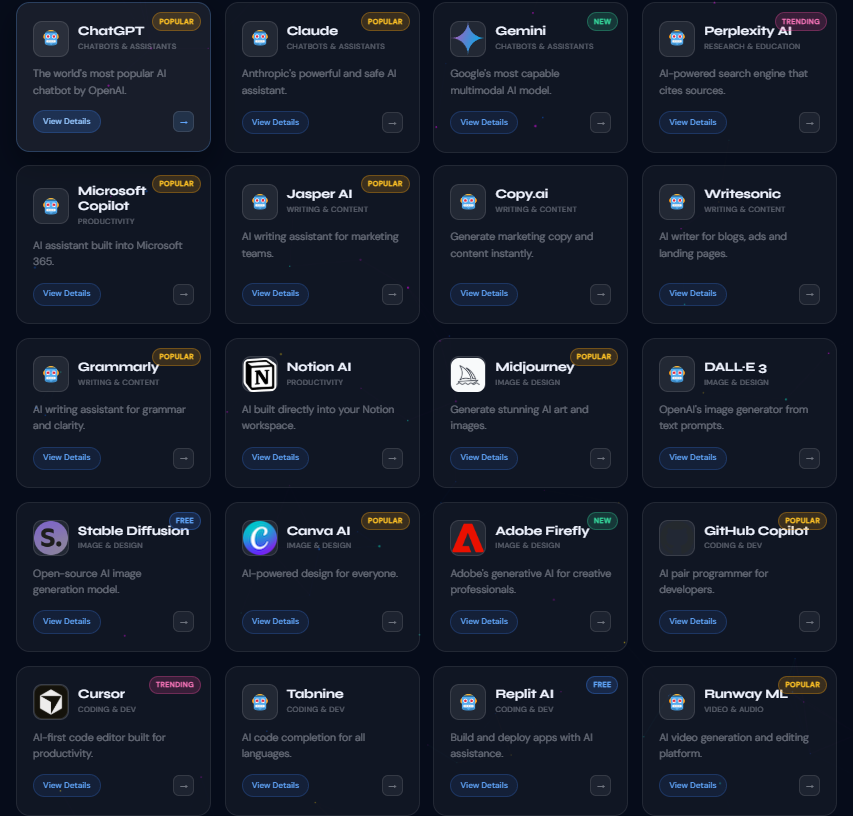
Which Free AI Tools Have No Ads Right Now
The Quickest Fix and the Longer-Term One
If you just want to stop seeing ads right now: switch to Temporary Chat. It takes three seconds and is the only method that removes all ChatGPT free ads with no trade-offs beyond losing saved history. Also toggle off Personalized Ads in Settings — that takes another 30 seconds and is a reasonable privacy step regardless.
If you are thinking longer-term about your AI setup: the ad-free alternatives are genuinely good. Gemini free in particular has become my primary daily AI — zero ads, no message cap, and better research quality because of Google Search integration. ChatGPT in Temporary Chat handles the writing tasks where its quality edge matters. That combination is what I use now, it costs nothing, and neither tool has shown me an ad since I made the switch.
→